Free or PRO?
The Toool app is free on iOS and Android, and the free version gives you the essentials for writing music: rhythm patterns, chord progressions, pads, a step sequencer and a mixing console. The PRO version is for those who want to get their music out of the app and go further.
What PRO adds
Exporting your music
This is the main difference. With PRO you can export:
- A stereo mix in WAV, ready to listen to or share.
- Stems: one WAV file per instrument, so you can mix the track in your DAW.
- A MIDI file of your sequence, to replay the notes with other instruments.
Files go through your phone's share sheet (email, AirDrop and so on). Remember to save them, as the app doesn't keep a permanent export folder.
More instruments and sounds
PRO gives you access to more instruments and sounds than the free version.
Project import and export
Projects are very light .toool files. With PRO you can export them (as a ZIP with "Export All Projects") and import them on another device. It's also the best way to back up your work, since projects are stored only on the device.
Extended LIVE and SEQUENCER modules
The LIVE and SEQUENCER modules offer extra features in the PRO version.
No ads
No more ads or sponsorship banners while you create.
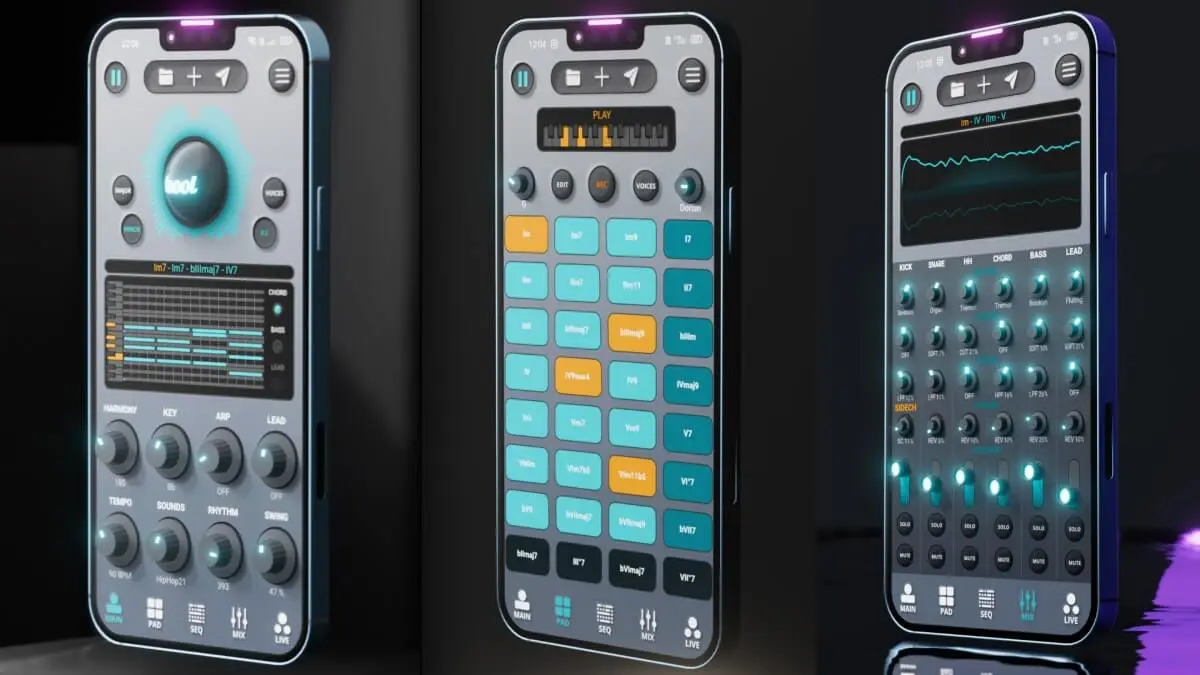
Toool App
Make music on your phone, finish it in your DAW.
Free on iOS & Android
See Toool AppHow to go PRO
Open the app and tap "Pro License" from the main menu. Two options:
- Free Trial: a 7-day free trial, then a monthly subscription. Apple and Google require a valid payment method to start the trial.
- Lifetime Access: a one-time purchase for lifetime access.
PRO works on all your devices signed in to the same Apple or Google account: reinstall the app, sign in and tap "Pro License" to restore access. The subscription is managed and cancelled in the App Store or Google Play subscription settings.
Good to know
- The app doesn't record audio (vocals, guitar): export the beat and record in your DAW or another app.
- Sounds are built into the app; importing your own samples isn't possible yet.
- All the music you make belongs to you, including for release or sale.
In short
The free version is enough for writing and finding ideas. PRO becomes useful as soon as you want to export your tracks as WAV, stems or MIDI to finish them on a computer. For the next step, see our guide to exporting from the app and our pick of the best music-making apps of 2027.