



Reverbia brings together the best of both worlds: the natural richness of high-end analog reverbs, and the surgical precision of modern algorithmic plugins. Thanks to the CHARACTER knob, you shape your reverb's personality, from absolute realism to immersive sound design, while exploring every nuance in between. A unique approach that turns Reverbia into a true mixing instrument.

Everything is built-in: pre/post EQ, tempo-synced predelay, 5 types of saturation, compression, sidechain, ducking, shimmer, LFO, tremolo, stereo width, channel inversion… and even hidden features. Forget complex plugin chains, everything is already here.
ROOM, HALL, PLATE, SPRING, SPACE. Each type includes 5 radically different reverbs. Each variation is unique, with its own internal design, covering the full spectrum of reverb, from the most realistic to the most textured, from the most subtle to the boldest.
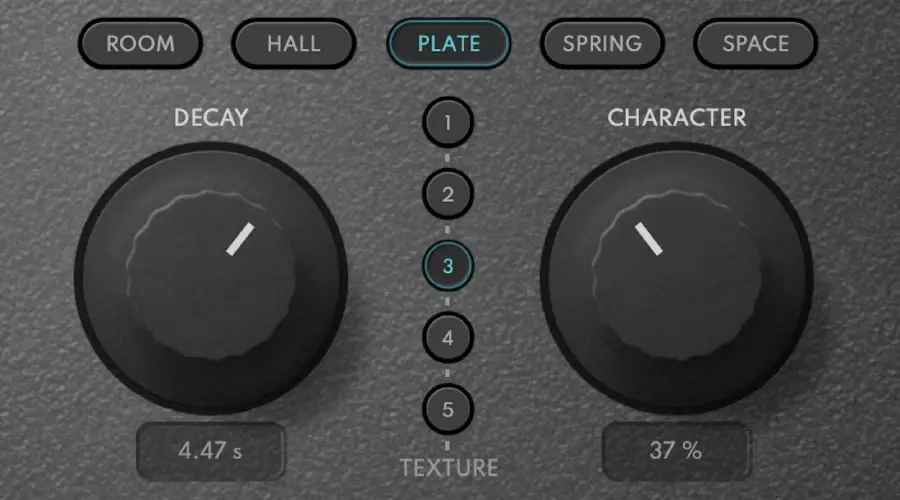
The CHARACTER knob lets you define the personality of your reverb. To the left, you get a natural, organic, almost acoustic feel, perfect for instruments or vocals.
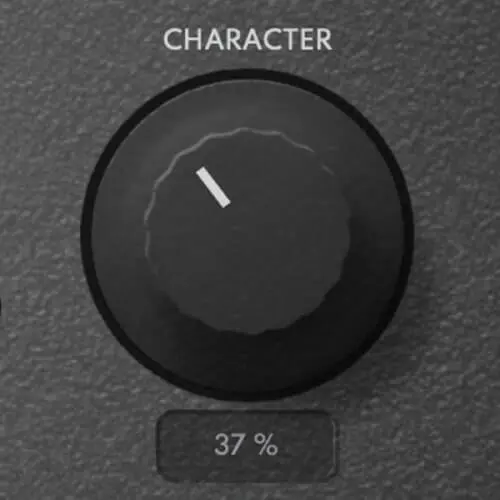
To the right, a wider, denser, more unreal reverb, like it comes from another world (perhaps inspired by Norse mythology...). And in between? Infinite shades to sculpt exactly the space you want.
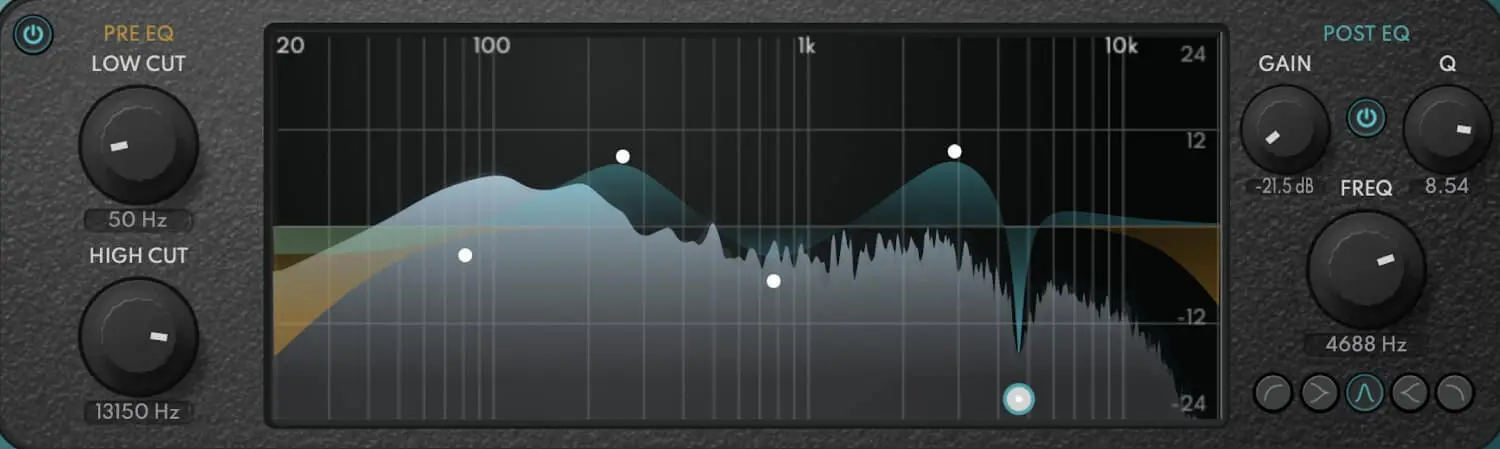
A simple input EQ (low-cut and high-cut) to keep only the essentials. A more detailed output EQ to precisely sculpt the tail of the reverb. No need to stack plugins on your reverb bus.
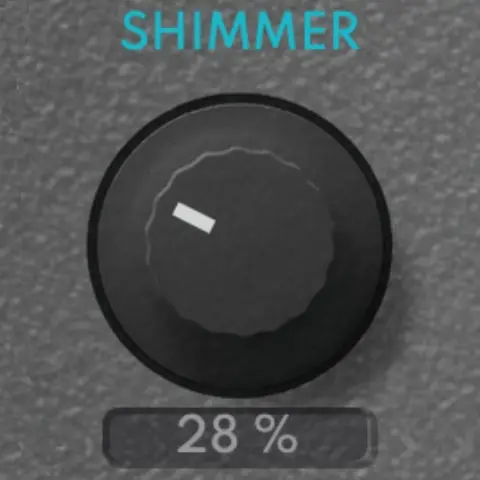
Double-click the PREVERB knob to unlock an ambient shimmer reverb. A hidden feature for massive, dreamlike space.
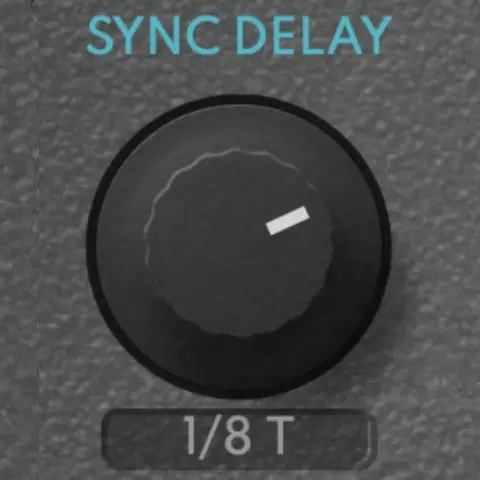
Double-click the PREDELAY or DECAY knobs to sync them automatically to your session's tempo. Perfect for subtle rhythmic effects that are always in time.
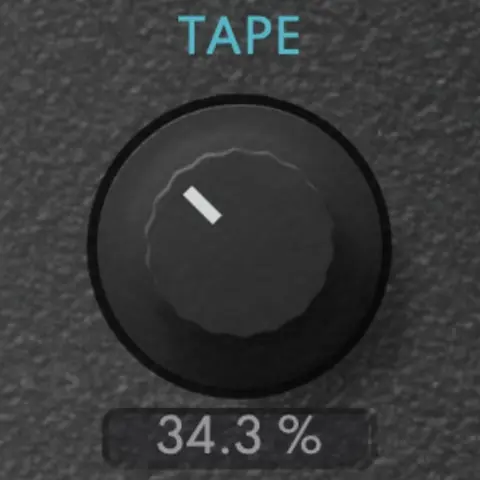
Add subtle or radical saturation to your reverb. The DRIVE knob brings character, and a double-click lets you choose the type: SOFT, DISTO, TUBE, TAPE, or FUZZ. Perfect for dirtying up a clean reverb or crafting entirely new sonic atmospheres.
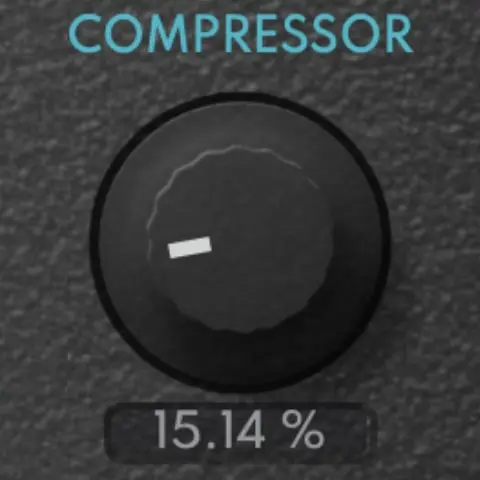
The SIDECHAIN knob ducks the reverb when the dry signal plays — great for keeping vocals clear. Double-click to switch to compression mode and shape your reverb's dynamics. You can also feed an external sidechain signal, perfect for syncing to a kick or other elements.
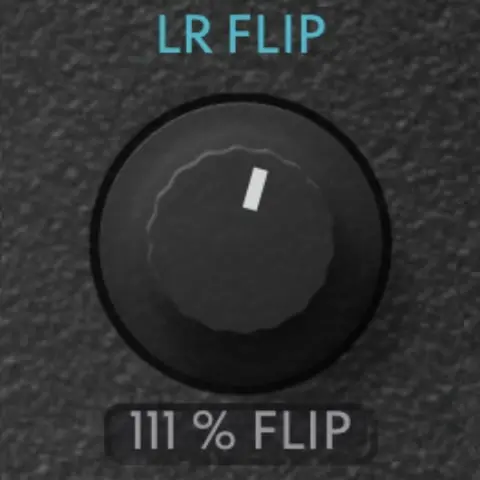
Use the WIDTH knob to expand your reverb in stereo. Need to flip the stereo field? Double-click to instantly swap left and right channels, perfect for creative space manipulation or quick fixes.
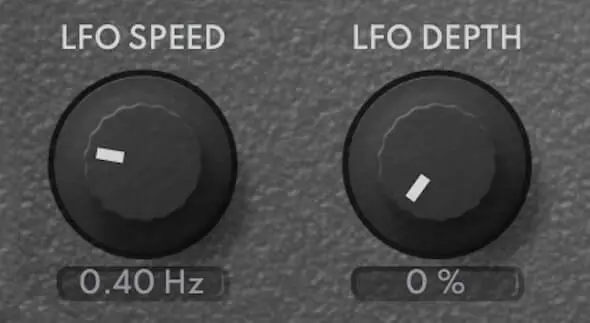
A simple LFO lets you add motion to the reverb tail. Double-click to switch to analog-style TREMOLO, giving your space even more life.
Reverbia brings together everything I've always wanted in a reverb, with the best possible quality, and without wasting time in complicated chains. A powerful, fast, and elegant tool, finally turning reverb into a true creative playground.
Zero latency · 64-bit precision
ROOM, HALL, PLATE, SPRING, SPACE (5 variations each)
CHARACTER, DRIVE, WIDTH, COMPRESSOR, DUAL EQ, LFO ...
Requires a connection to the internet occasionally
Reverbia has many hidden features accessible through double-clicks:
All Toool plugins support VST3, AU (Audio Units), and AAX formats. This ensures compatibility with virtually all modern DAWs including Ableton Live, Logic Pro, Pro Tools, FL Studio, Cubase, Reaper, and Studio One. You can learn more about our plugins on our homepage.
You can install your Toool plugins on up to 3 computers with a single license. This covers your studio setup, laptop, and backup machine. The plugins require occasional internet connection for license verification.
When you load a Toool plugin for the first time, it will ask for activation. Enter the license key from your purchase email. You'll need an internet connection for this initial activation. The plugin will remember your license for future use.


