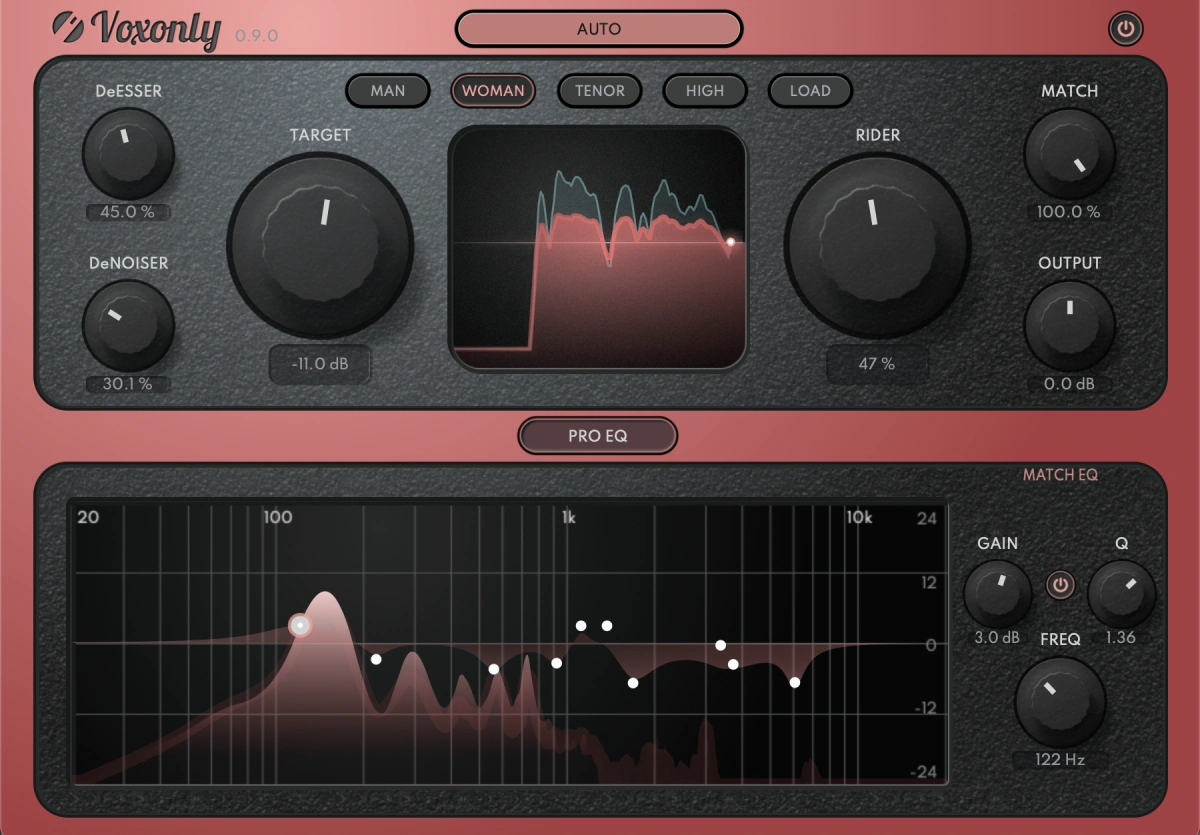

Run a short analysis with AUTO. Voxonly equalizes your voice automatically with a match EQ toward a reference voice, then sets the de-esser and the de-noiser. Its rider then holds the level without flattening the voice the way a compressor would, and you stay in control of every setting.
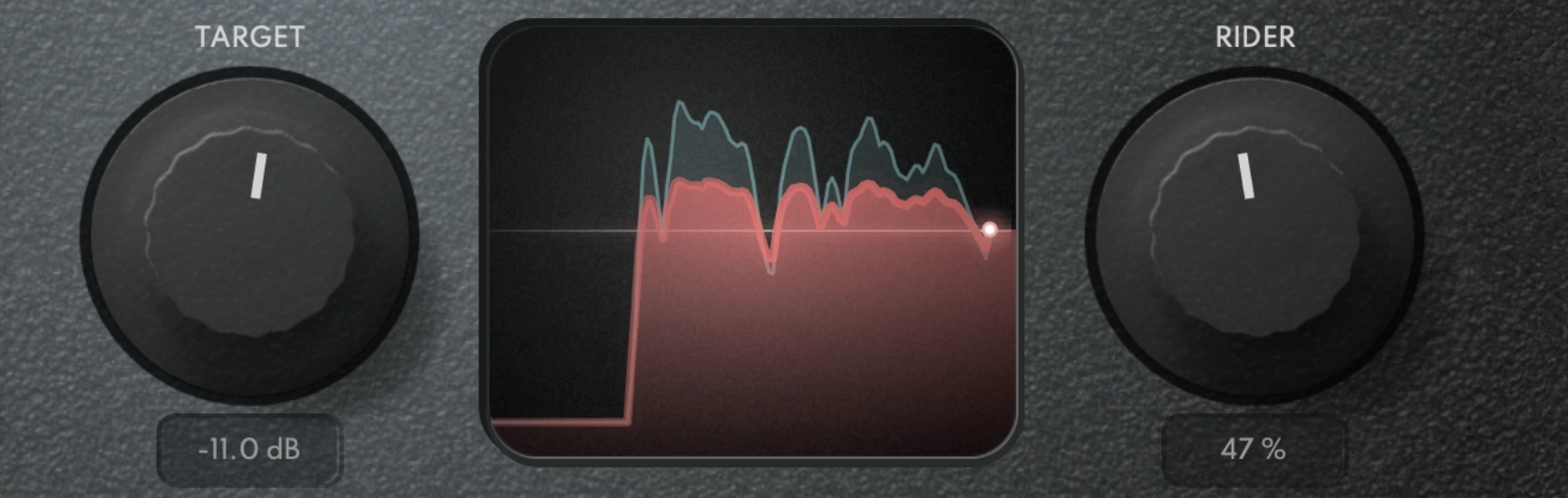
De-esser, de-noiser, EQ and rider together, for spoken voice as much as for singing. Podcast, voice-over or song, one plugin is enough.
MAN, WOMAN, TENOR and HIGH, four references built from real voices. Pick the one closest to yours.

Or load your own reference with LOAD, from any audio file.

Press AUTO and let it hear your voice for a few seconds. Voxonly builds the EQ toward the reference and sets the de-esser and the de-noiser. The MATCH knob doses the correction, and everything stays adjustable.
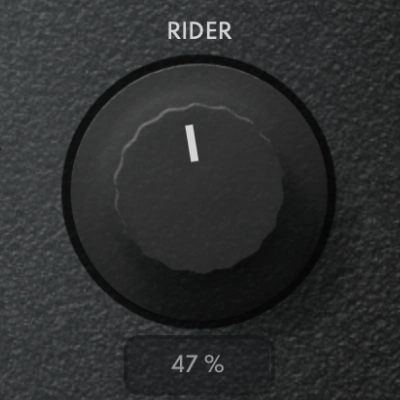
Choose the level with TARGET and dose the RIDER. Quiet words come up and loud words come down, smoothly. The voice stays up front and alive, with no pumping and no squashing.
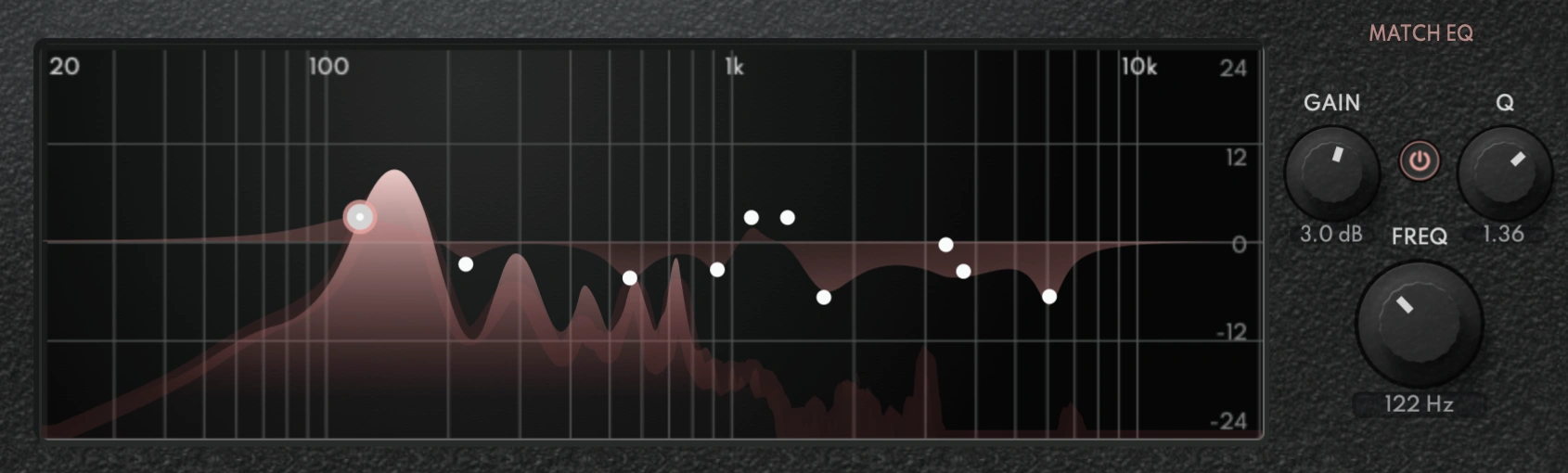
The resulting EQ is a real, editable curve. Open the PRO EQ and move any band. A double-click on a point sets its gain back to zero, and the analyzer shows your voice live.
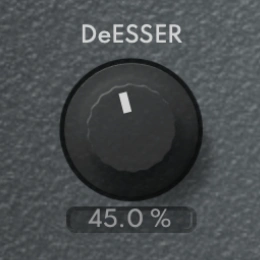
The de-esser calms harsh S sounds without a lisp. The de-noiser removes hiss and room noise between words. AUTO sets them for you, and they stay adjustable.
Clean, equalize, tame the S sounds and hold the level, Voxonly does the whole chain. Insert it on your voice track, press AUTO, and there is almost nothing left to edit.
4 voice profiles (MAN, WOMAN, TENOR, HIGH) + LOAD your own file
De-noiser, adaptive MATCH EQ, editable PRO EQ, de-esser, vocal RIDER, output
Requires a connection to the internet occasionally
For every voice, spoken or sung, for podcasts, voice-over, dialogue and singing. Press AUTO and let it hear your voice for a few seconds. Voxonly sets the EQ, the de-esser and the de-noiser, and the RIDER holds the level. Everything stays adjustable.
Press AUTO and let it hear your voice for a few seconds. Voxonly builds the EQ toward the reference and sets the de-esser and the de-noiser. The MATCH knob doses the correction, and everything stays adjustable.
Yes. MAN, WOMAN, TENOR and HIGH are four references built from real voices, and LOAD brings in your own reference from any audio file.
No, it is a real vocal rider. Set a TARGET loudness and the amount of RIDER: Voxonly rides the level up on the quiet words and down on the loud ones, smoothly, keeping every word up front without the pumping or the squashing.
Yes. The matched EQ is a real, editable curve. Open the PRO EQ and move any band. The analyzer shows your voice live under the curve.
The de-esser tames the harsh S without a lisp, measured on your own voice. The de-noiser cleans the hiss and the room between words. Both are hands-on, from a light touch to a deep clean.
A little: about 11 ms, which Voxonly reports to your DAW.
In the demo the EQ is frozen. MATCH stays at zero, and the EQ, MATCH, AUTO, voice profile and LOAD controls are greyed out. Every so often a soft noise also replaces the sound for about one second, the first time after around 25 seconds.
All Toool plugins support VST3, AU (Audio Units), and AAX formats. This ensures compatibility with virtually all modern DAWs including Ableton Live, Logic Pro, Pro Tools, FL Studio, Cubase, Reaper, and Studio One. You can learn more about our plugins on our homepage.
You can install your Toool plugins on up to 3 computers with a single license. This covers your studio setup, laptop, and backup machine. The plugins require occasional internet connection for license verification.
When you load a Toool plugin for the first time, it will ask for activation. Enter the license key from your purchase email. You'll need an internet connection for this initial activation. The plugin will remember your license for future use.