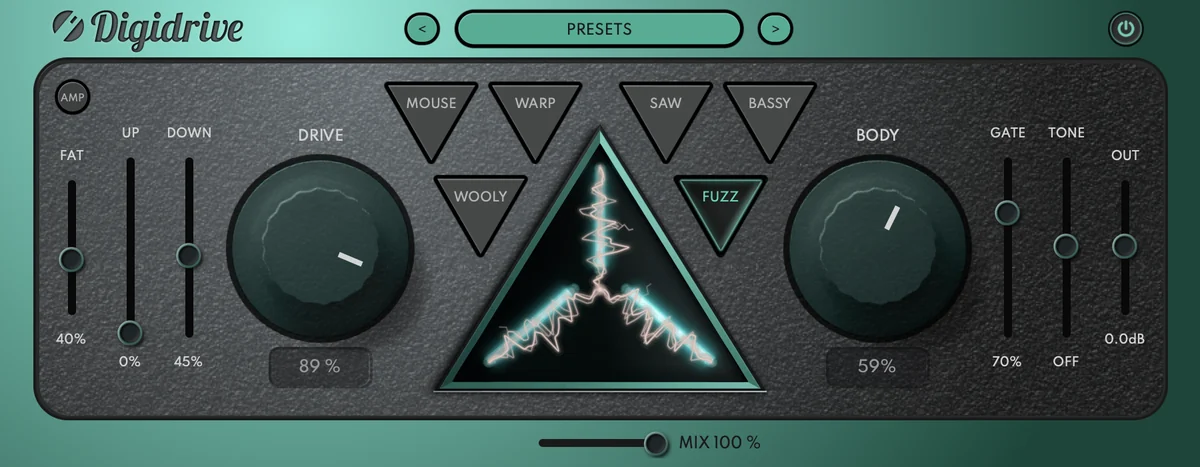

Digidrive is much more than a distortion. It is a fuzz with huge personality, biting, aggressive or completely destroyed, and always warm.
It is ultra fat and ultra wide. With the UP and DOWN octaves, it takes its place and covers the mix.
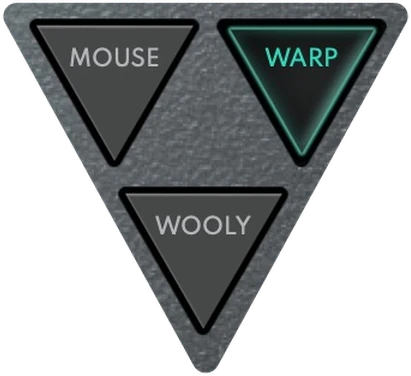
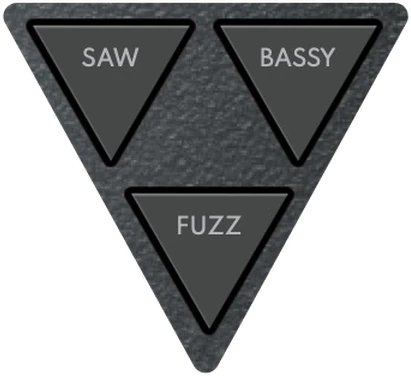
Its grain comes from real pedals, learned by neural models. It reacts to your fingers, spits, sags and sings like the real hardware, then goes much further.
The real waveform of each sound, on the same bass part.
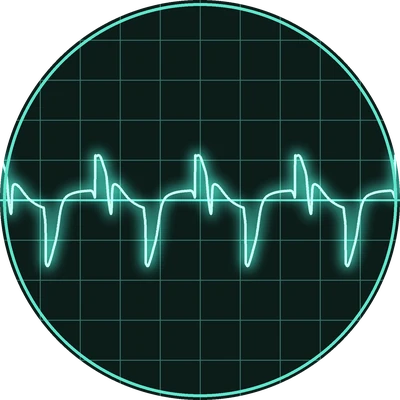
The wall.
A tight, biting wall of sound that carries a riff on its own.
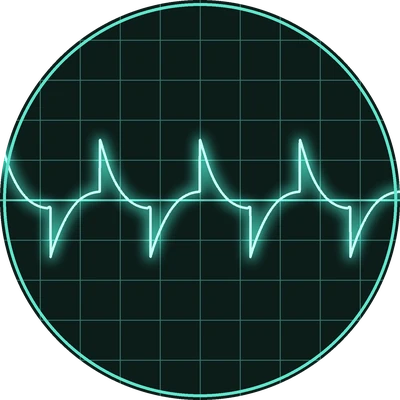
The one that listens.
Soft under your fingers, explosive when you dig in. A rich fuzz that sings.

The beast.
Huge, unstable, wild. A monster low end that never sounds the same twice.

The replacement.
Your instrument turns into a massive bass synth with analog grit.

The talker.
The fuzz that talks. Every note goes "wow", held notes sing.

The impossible one.
Metallic, liquid harmonics from another world, without losing the body of the note.
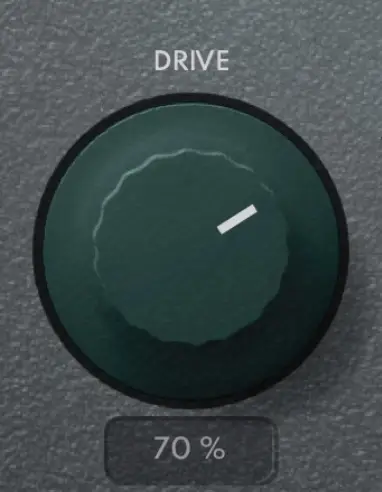
From light grit to a wall of sound. The higher you go, the harder it bites, without the volume running away.
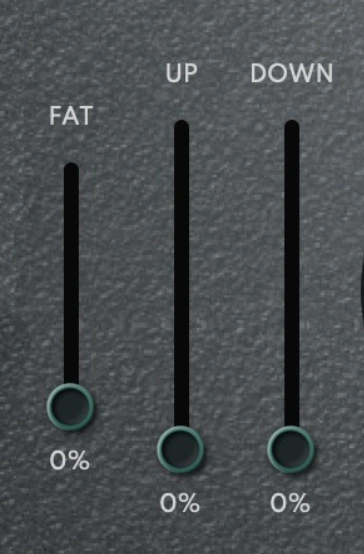
FAT creates stereo and adds fatness, with just a tiny touch of bitcrusher. Everything feels bigger.
DOWN adds a deep, solid low end, even on chords. UP adds a bright octave that makes the sound stand out.
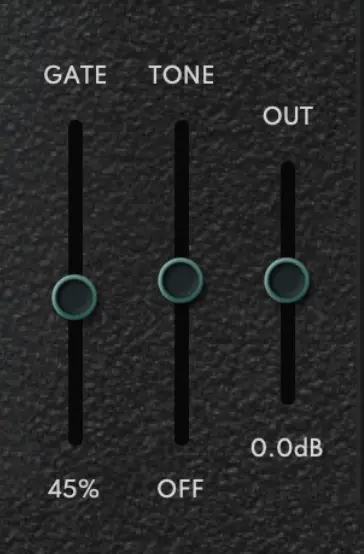
A clean sound when you need it, then a pinched fuzz that spits and buzzes. On SAW and BASSY, an expressive WAH.
TONE darkens or thins the sound in one move.
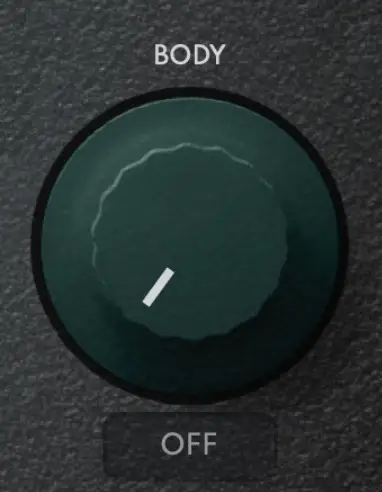
BODY gives your notes their warmth and weight back, even in full fuzz.

AMP shapes and boosts your sound before the saturation, like a gentle tube preamp. More body, more sustain and a fuzz that hits even harder.
Warm, huge, unmistakable. Six characters, from bite to chaos, octaves and fatness that cover the mix. Turn up DRIVE and keep the sound that moves you.
VST3, AU, AAX
macOS 10.13+ · Windows 10+ (64-bit)
DRIVE · BODY · GATE / WAH · TONE · OUT · MIX · FAT · UP · DOWN · AMP
MOUSE, FUZZ, WOOLY, SAW, BASSY, WARP
41 factory presets + your own
Requires a connection to the internet occasionally
MOUSE is a hard, tight distortion, FUZZ a dynamic fuzz that follows your playing, WOOLY a lopsided and unstable fuzz, SAW and BASSY turn your notes into a bass synth, and WARP is a wavefolder. The first five are neural models trained on real pedals, with DRIVE, BODY, GATE, UP and DOWN octaves around them.
I plugged in the real pedals, recorded them at several gain settings, then trained neural models on those takes. What comes out reacts like the hardware, because it learned from the hardware.
No. Each pedal covers the whole range of the real one, then keeps going, and the output stays close to your input level: more DRIVE means more grit, not just more volume.
A clean sound when you need it, then a pinched fuzz that spits and buzzes. On SAW and BASSY, an expressive WAH.
DOWN adds a deep, solid low end, even on chords. UP adds a bright octave that makes the sound stand out.
AMP shapes and boosts your sound before the saturation, like a gentle tube preamp. More body, more sustain and a fuzz that hits even harder.
BODY keeps the warmth and weight of the note. FAT creates stereo and adds fatness, with a touch of bitcrusher. TONE darkens or thins the sound. MIX brings back the original sound.
Yes, 41 factory presets to start from, plus your own.
In the demo, WARP is missing (WOOLY plays in its place), TONE is locked in the middle and the presets that use those settings are greyed out. Every so often a soft noise also replaces the sound for about one second, the first time after around 25 seconds.
All Toool plugins support VST3, AU (Audio Units), and AAX formats. This ensures compatibility with virtually all modern DAWs including Ableton Live, Logic Pro, Pro Tools, FL Studio, Cubase, Reaper, and Studio One. You can learn more about our plugins on our homepage.
You can install your Toool plugins on up to 3 computers with a single license. This covers your studio setup, laptop, and backup machine. The plugins require occasional internet connection for license verification.
When you load a Toool plugin for the first time, it will ask for activation. Enter the license key from your purchase email. You'll need an internet connection for this initial activation. The plugin will remember your license for future use.