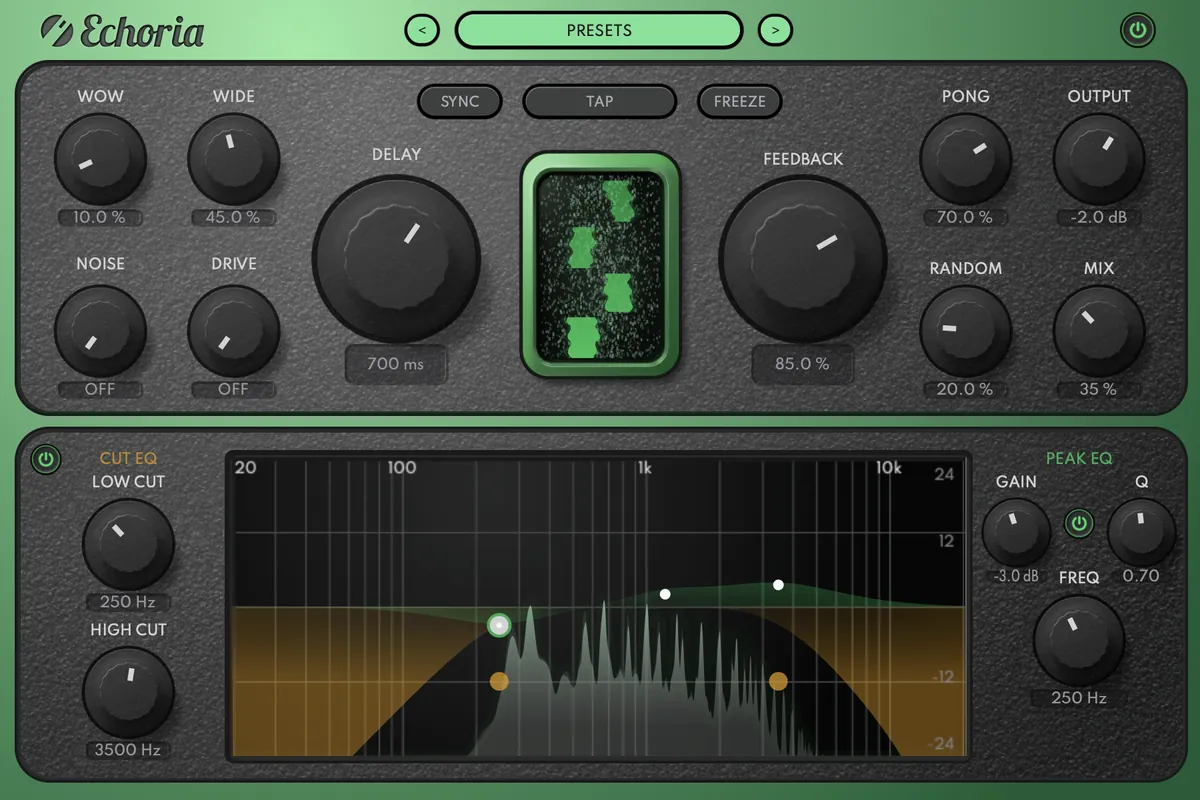

Echoria is a color delay. From lo-fi to vintage, it brings grain, texture and real character to your sound, then carries it into warm, organic, musical echoes.
Here, every repeat is alive. The pitch drifts, the timing moves a little, the stereo image shifts, and these small variations give the delay a soul you hear right away.
Deep, yet simple. Each color sits on one knob, from a vintage touch to a broken machine. Turn MIX down and the color alone transforms a vocal, a loop or a whole mix.
DRIVE · NOISE · WOW · WIDE
DELAY · FEEDBACK · PONG · RANDOM · FREEZE
LOW CUT · HIGH CUT · PEAK · OUTPUT
Your sound is colored once, then the echoes are made of it, and the EQ shapes the repeats.
Four modules color your sound once, at the input. The repeats are made of that sound, so every echo carries the same character. Leave them at zero and the delay stays perfectly clean.
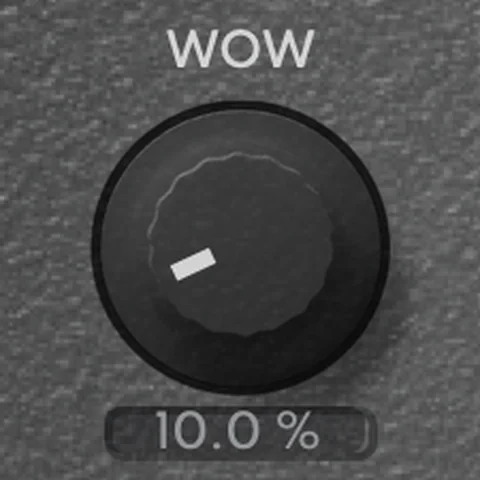
A slow, organic pitch drift, like a warped tape or an old record. A touch for life, more for a seasick, nostalgic sound.
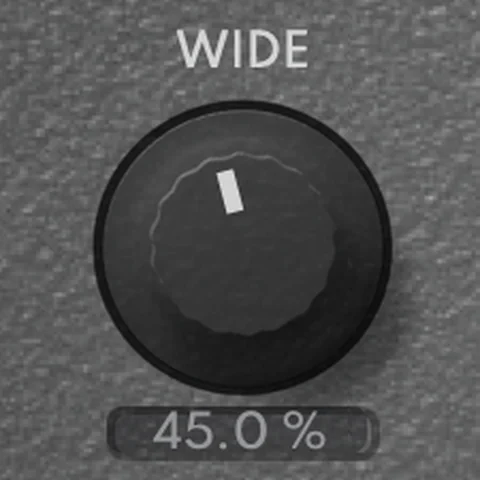
Natural stereo widening inspired by classic analog chorus units. A mono source opens up while the centre stays solid.
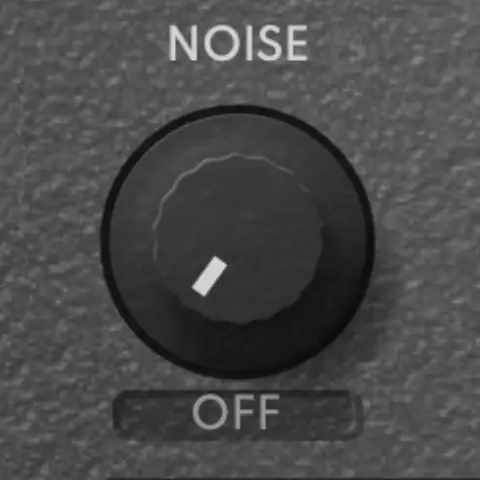
A plain white noise, a real tape hiss and two real analog noises, all following the level of your sound. When you stop playing, the noise stops too.
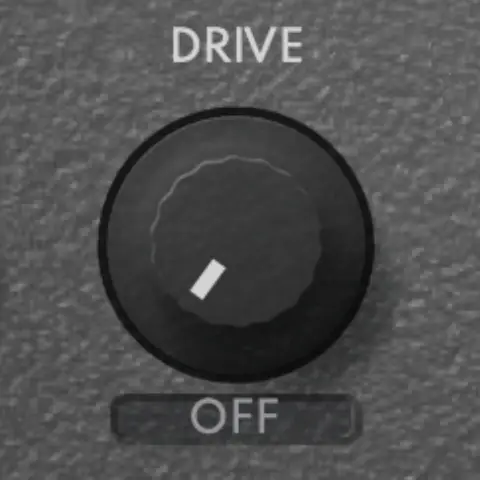
Five saturation types: Drive, Soft, Tube, Tape and Fuzz. Double-click the knob to change the type.
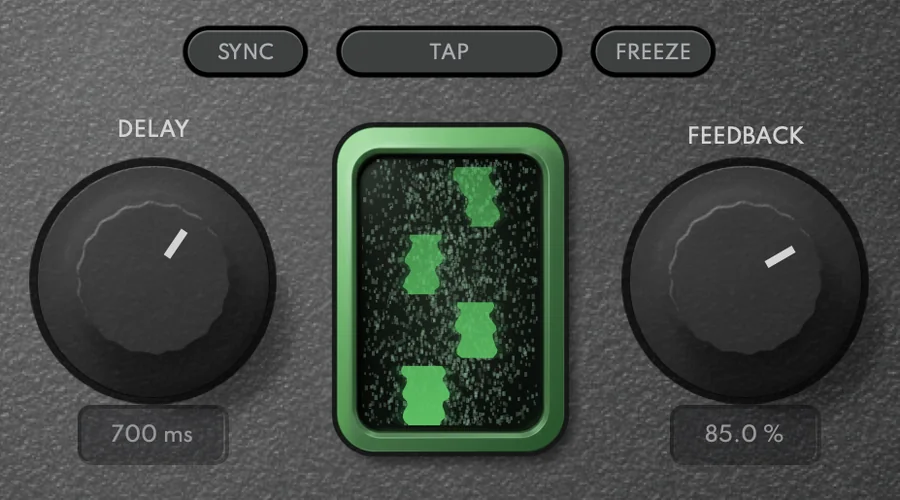
From 20 ms to 3.5 s, or locked to your DAW tempo with straight, dotted and triplet notes, plus TAP. FEEDBACK goes up to 120 % for runaway echoes, and FREEZE holds the repeats forever. The screen in the middle shows every repeat as it travels down the tape.
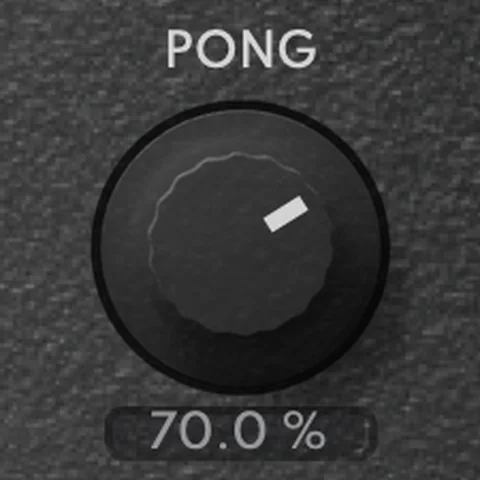
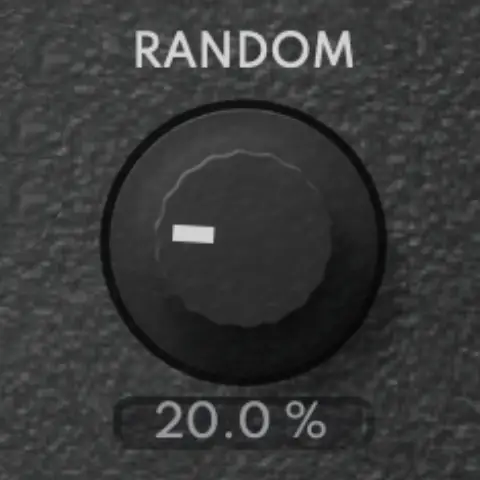
PONG sends the repeats from left to right and sets how wide they swing: a gentle movement around the centre or a hard ping-pong. RANDOM goes from tight and modern to loose and human: each repeat lands a little early or late, like an old machine.
The orange dots of the EQ are LOW CUT and HIGH CUT. Drag them in the graph and double-click to go back to their default. The three white dots are the peak bands, a double-click sets their gain back to zero.
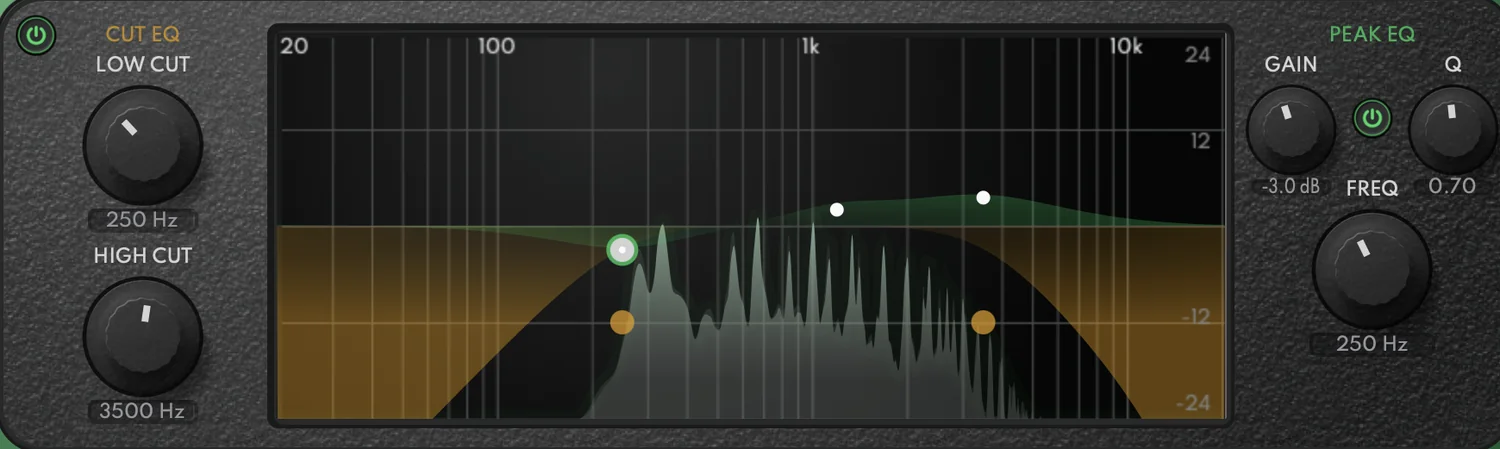
Echoria stays simple on the surface. A few double-clicks open the rest.
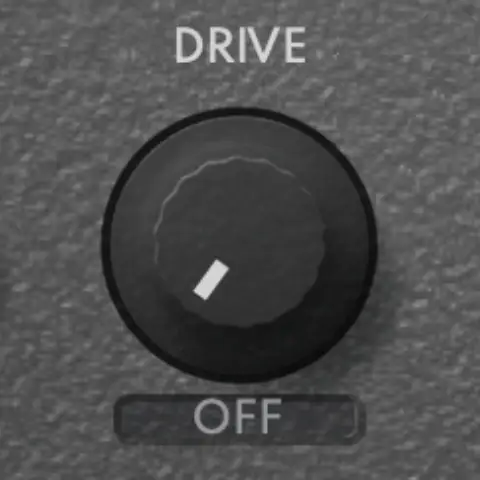
Five saturations in one knob: DRIVE, SOFT, TUBE, TAPE and FUZZ. The name of the type lights up above the knob.
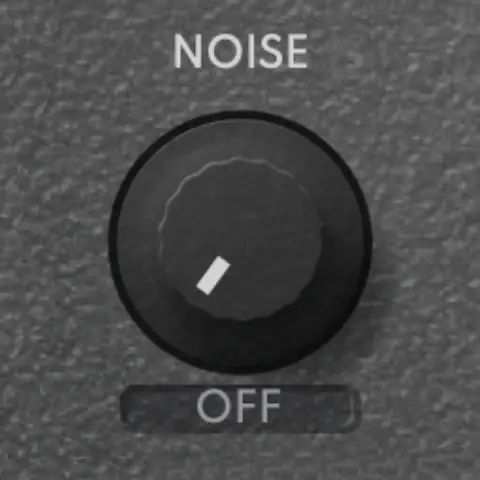
Four noises: a plain white noise, then three real recordings (NOISE 2 to 4), tape hiss and analog hum. They always follow your sound: silence stays silent.
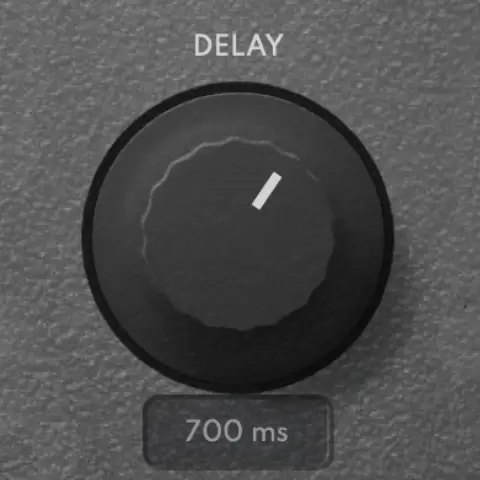
Switches SYNC on and off. In SYNC the knob snaps to note values, from 1/32 to 1/1 with dotted and triplet notes, and follows your DAW's tempo.
VST3, AU, AAX
macOS 10.13+ · Windows 10+ (64-bit)
16 factory presets
Requires a connection to the internet occasionally
No, it is a color delay. DRIVE, NOISE, WOW and WIDE color your sound before the echoes, and work on the dry sound too. Turn MIX down to transform a vocal, a loop or a whole mix. With these four knobs at zero, Echoria becomes a clean, precise delay.
DRIVE, NOISE, WOW and WIDE act once on the input. Then come the delay, the EQ, MIX and OUTPUT. The repeats are made of the colored sound, so every echo carries the same character. Leave these four knobs at zero and the delay stays perfectly clean.
From 20 ms to 3.5 s, or locked to your DAW tempo with straight, dotted and triplet notes, plus TAP. FEEDBACK goes up to 120 % for runaway echoes, and FREEZE holds the repeats forever.
The repeats glide in pitch like a tape machine. In SYNC the knob snaps to note values, from 1/32 to 1/1 with dotted and triplet notes, and follows your DAW's tempo. Double-click DELAY to switch SYNC on and off.
A plain white noise, a real tape hiss and two real analog noises. Double-click the knob to change the noise. They always follow the level of your sound: when you stop playing, the noise stops too.
DRIVE, SOFT, TUBE, TAPE and FUZZ, in one knob. Double-click it to change the type, and its name lights up above the knob.
PONG sends the repeats from left to right and sets how wide they swing: a gentle movement around the centre or a hard ping-pong. RANDOM goes from tight and modern to loose and human: each repeat lands a little early or late, like an old machine.
Yes, 16 factory presets. When you browse them with the arrows, your MIX stays where you set it, so the balance with the dry sound never jumps.
In the demo, FREEZE, TAP and the PEAK EQ are not available (LOW CUT and HIGH CUT still work), and the presets that use them are greyed out. Every so often a soft noise also replaces the sound for about one second, the first time after around 25 seconds.
All Toool plugins support VST3, AU (Audio Units), and AAX formats. This ensures compatibility with virtually all modern DAWs including Ableton Live, Logic Pro, Pro Tools, FL Studio, Cubase, Reaper, and Studio One. You can learn more about our plugins on our homepage.
You can install your Toool plugins on up to 3 computers with a single license. This covers your studio setup, laptop, and backup machine. The plugins require occasional internet connection for license verification.
When you load a Toool plugin for the first time, it will ask for activation. Enter the license key from your purchase email. You'll need an internet connection for this initial activation. The plugin will remember your license for future use.