The method in 8 steps
- Prepare the take: editing, breaths, tuning.
- Clean with EQ: high-pass, mud, harshness.
- Compress in two stages.
- Tame the sibilance.
- Add color.
- Create space with reverb and delay on sends.
- Automate the volume.
- Check at the same loudness, in mono and on small speakers.
1. Prepare the take
A vocal mix starts before the first plugin. Choose the best takes, clean up the noises between phrases, lower the breaths that are too loud without removing them all, and correct the pitch only where it is needed. Set the clip gain so the vocal reaches your plugins at a reasonable level, without constant peaks near 0 dBFS.
2. Clean with EQ
- High-pass filter: remove the rumble below the voice. Start low and raise it until the voice gets thin, then back off a little.
- Mud: a cut in the low mids often makes the voice clearer, especially on close-miked vocals.
- Harshness: if some notes hurt in the upper mids, a narrow cut or a dynamic EQ band works better than a wide cut.
Cut first, boost later. Most boosts are better placed after the compressor.
3. Compress in two stages
A single compressor working hard often sounds squashed. Two compressors working a little each sound more natural:
| Stage | Role | Starting point |
|---|---|---|
| Compressor 1 | Catch the peaks | Fast attack, fast release, 2 to 4 dB of reduction on the loudest words |
| Compressor 2 | Even out the performance | Slower attack and release, low ratio, 2 to 3 dB of steady reduction |
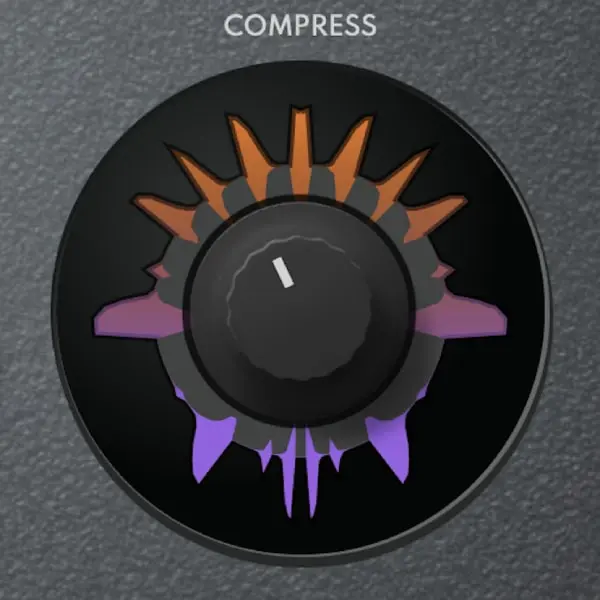
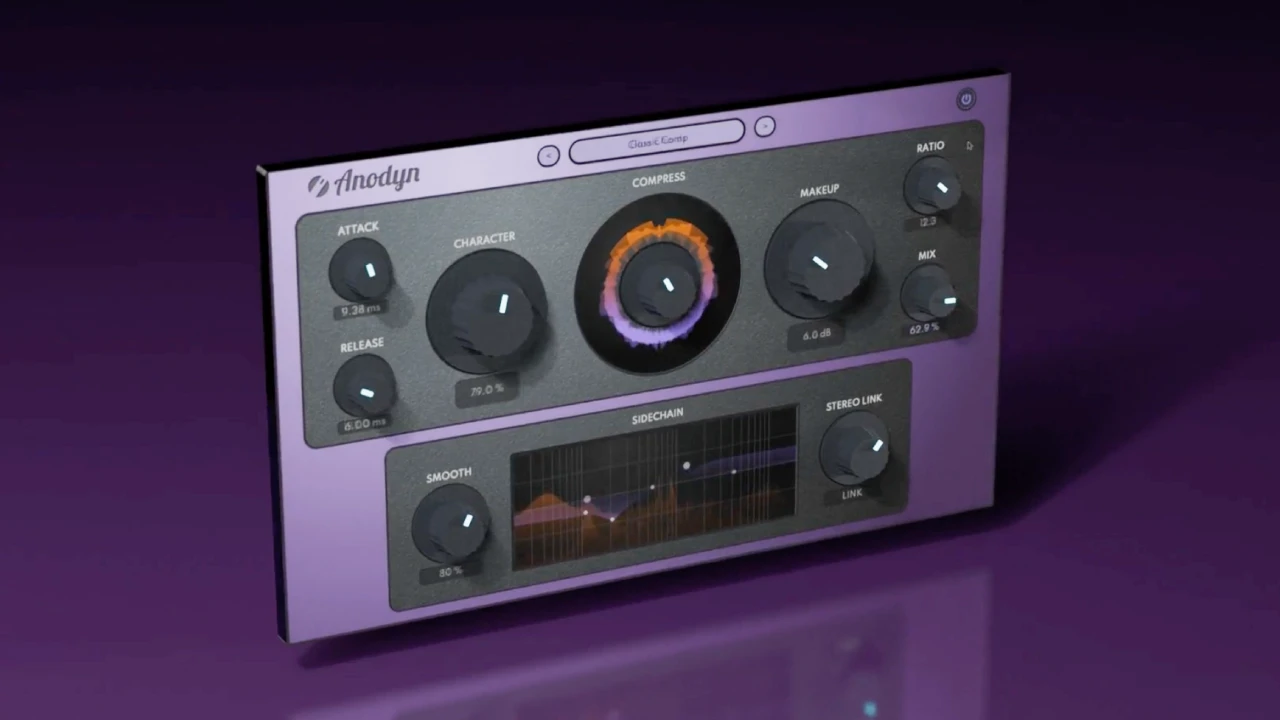
With Anodyn, the first instance can stay clean with CHARACTER on the left and SMOOTH to the left for a fast, precise action. The second can move CHARACTER to the right and SMOOTH to the right for a softer, more colored compression. The sidechain EQ keeps low plosives from triggering too much reduction.
Anodyn
One compressor, every color: from transparent to vintage.
$59 $118 -50%
VST3 · AU · AAX · Windows & macOS
See Anodyn4. Tame the sibilance
Compression and brightness bring out the "s" and "t" sounds. A de-esser after the compressor reduces them only when they happen. Aim for natural sibilance: too much de-essing makes the singer sound like they have a lisp.
5. Add color
A little saturation helps the vocal cut through without raising its level. Use a gentle mode and a low mix: the goal is density, not distortion. Anadrive in SOFT or TAPE with a low MIX does that well, and BRIGHTNESS adds presence through harmonics rather than through an EQ boost. A wide, gentle high shelf can then add air.
6. Create space
- Use sends: put reverb and delay on aux tracks, so you can process them separately.
- Predelay: 20 to 80 ms separates the dry voice from the reverb and keeps the words in front.
- EQ the returns: cut the lows and some of the highs of the reverb so it does not muddy the mix or exaggerate the sibilance.
- Ducking: a reverb that drops while the voice sings and comes back between phrases gives depth without blur. Reverbia has a built-in sidechain for that.
- Delay: a tempo-synced delay, filtered and low in the mix, often gives more space than extra reverb.
7. Automate the volume
Even well compressed, a vocal needs volume rides: raise the words that disappear, lower those that jump out, phrase by phrase. This is often the step that makes the biggest difference, and the one most often skipped.
8. Check
- Compare the processed vocal and the bypass at the same loudness. Without that, the louder version always seems better. Diffonic matches the loudness automatically and offers a blind test.
- Listen in mono, at low volume and on small speakers.
- Compare with a reference track in the same style.
A typical vocal chain
| Order | Process | Goal |
|---|---|---|
| 1 | Tuning, editing | A clean, in-tune take |
| 2 | Subtractive EQ | Remove rumble, mud and harshness |
| 3 | Fast compressor | Control the peaks |
| 4 | Slow compressor | Even out the performance |
| 5 | De-esser | Soften the sibilance |
| 6 | Saturation, tone EQ | Density, presence, air |
| Send | Reverb with predelay and ducking | Depth without blur |
| Send | Synced, filtered delay | Space and movement |
In short
A good vocal mix comes from a clear order and small moves: a clean take, two gentle compressors, controlled sibilance, a little color, space on sends and careful volume automation. Always judge at the same loudness. See also the best vocal plugins, the best vocal reverbs and the best compressors.
Frequently asked questions
In what order should I process a vocal?
A common order is: editing and tuning, subtractive EQ, compression, de-essing, color (saturation or tone EQ), then reverb and delay on sends, and finally volume automation. Nothing is mandatory, but this order avoids most problems.
How much compression on a vocal?
Often 3 to 6 dB of gain reduction in total, split between two compressors: a fast one that catches the peaks and a slower one that evens out the performance. Listen to the result at the same loudness as the bypass to judge it fairly.
How do I make a vocal sit in the mix?
Control the dynamics so every word is audible, remove the mud and the harshness with EQ, put the reverb on a send with predelay and ducking, and ride the volume phrase by phrase. Then check in mono and at low volume.