At a glance
- Natural voice compression: Anodyn
- Loudness delivery and batch normalization: Lufsonic
- Dialogue clean-up: iZotope RX
- Fast noise removal: Waves Clarity Vx
- Automatic online leveling: Auphonic
- Free metering: Youlean Loudness Meter
Spoken voice in 2027: clarity first
A podcast or voice-over is judged on one thing: can you understand every word comfortably, at a steady level, whatever you listen on? That takes three steps: clean the recording if needed, even out the level, and deliver files at the loudness platforms expect.
The best tools for podcasts and spoken voice
1. Anodyn: steady, natural compression
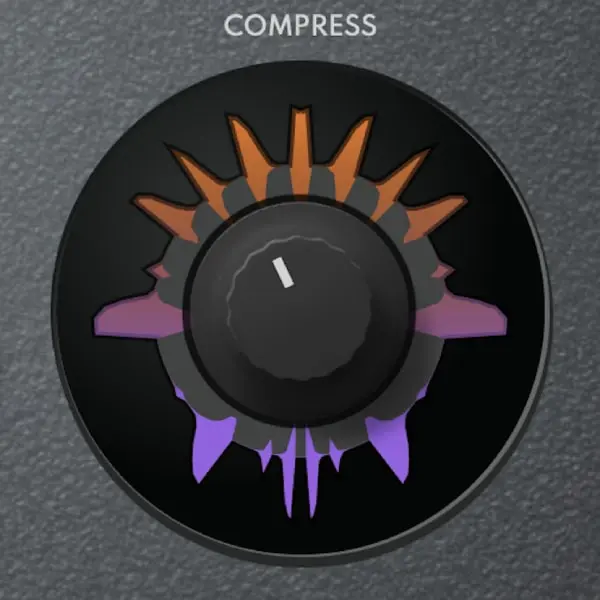
Speech has big level differences between words and between speakers. Anodyn evens them out without the "radio pumping" effect: SMOOTH to the right gives a soft, natural response, CHARACTER stays low for transparency (or goes up for a warmer, radio-like voice), and the sidechain EQ cuts the low end in the detection so plosives and desk knocks don't trigger compression. Two instances, a fast one for peaks and a slower one for density, give a very polished result.
2. Lufsonic: delivering at the right loudness
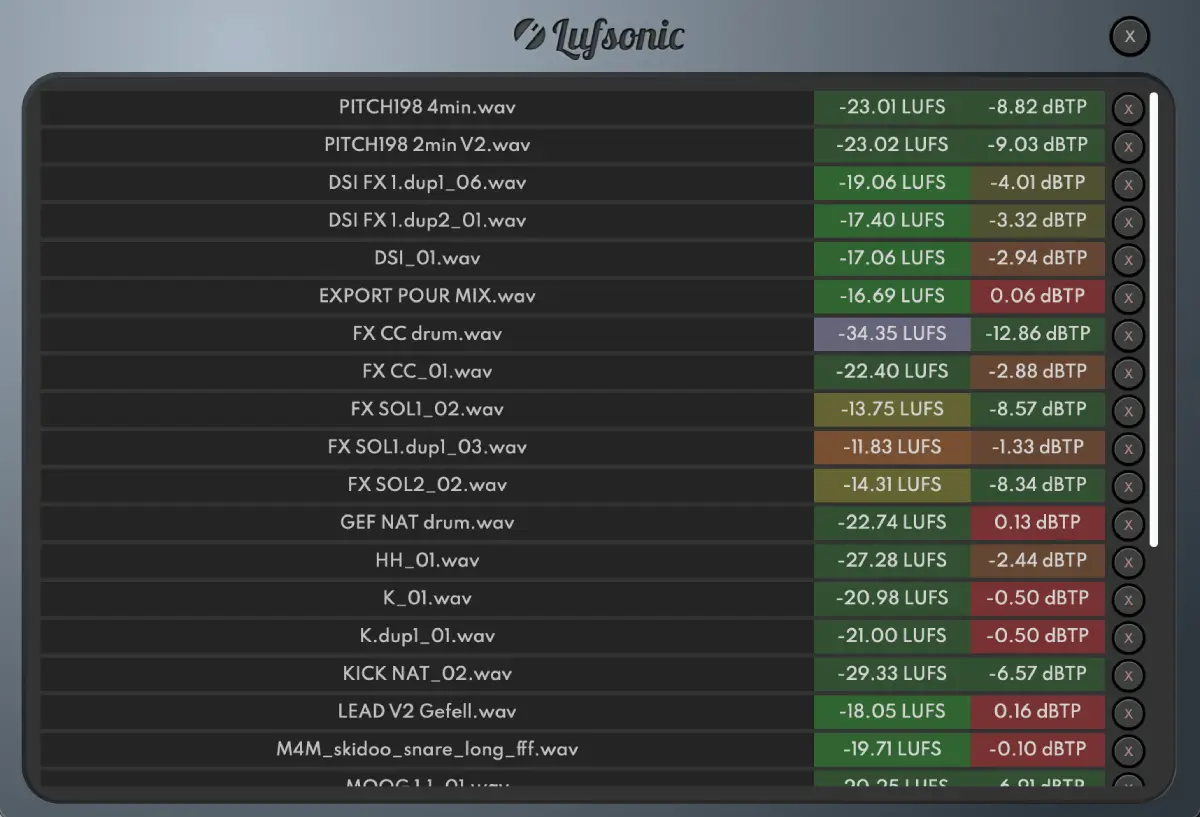
Once episodes are exported, Lufsonic analyzes them in seconds without real-time playback (integrated, short-term and momentary loudness, LRA, true peak) and normalizes them to a target, including a ready-made Podcast format or a custom LUFS and dBTP value. Batch processing handles a whole season at once, and the reports document what you delivered.
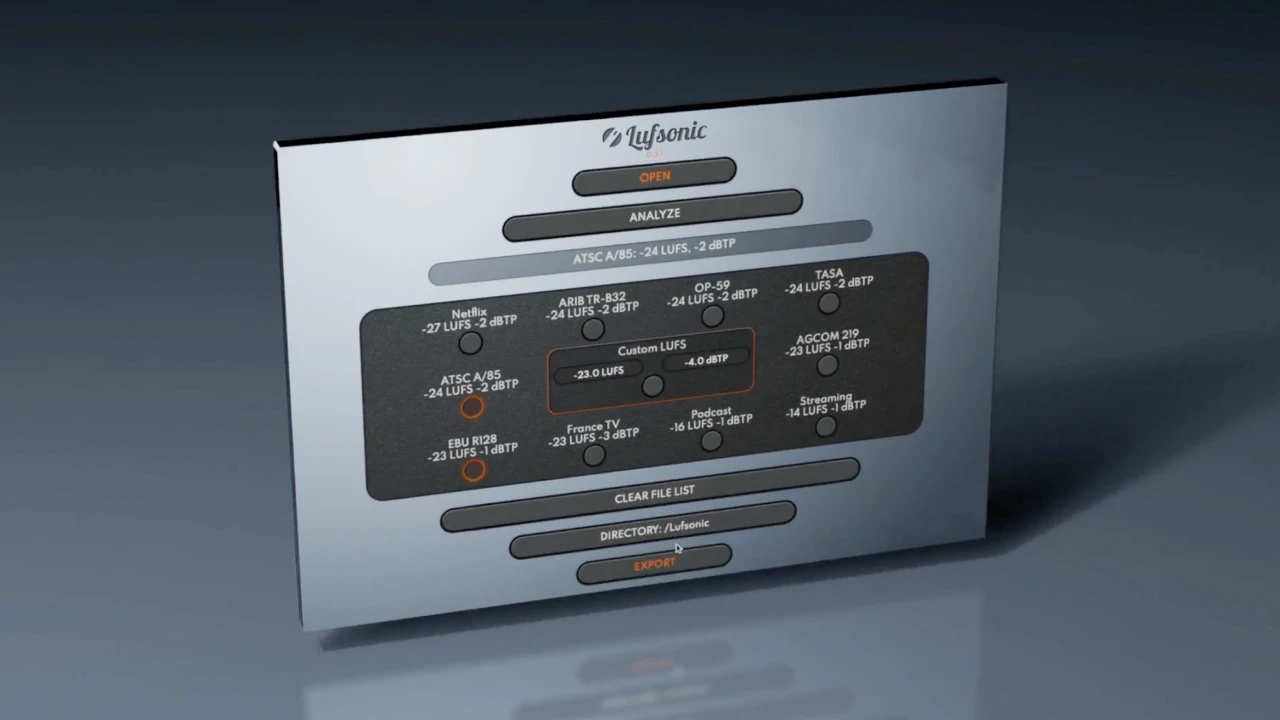
Lufsonic
Analyze and normalize dozens of audio files in seconds.
$49 $98 -50%
Standalone app · Windows & macOS
See Lufsonic3. iZotope RX: dialogue clean-up
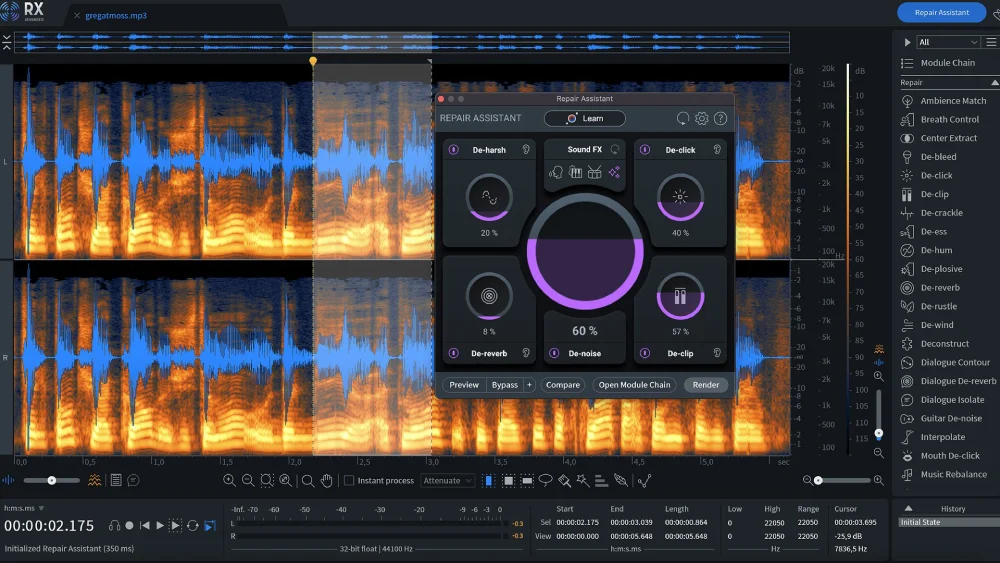
Image: iZotope
The reference for repairing recordings: noise, clicks, hum, mouth noises and room reverb. Indispensable when a recording wasn't made in ideal conditions.
4. Waves Clarity Vx: fast noise removal
Separates the voice from background noise with a single main control. Quick and effective for interviews recorded outside the studio.
5. Auphonic: automatic online leveling
Upload a file and get it back leveled between speakers, with noise reduction and loudness normalization. Handy when you publish often and want a simple workflow.
6. Youlean Loudness Meter: free metering
A clear loudness meter in your DAW, with presets for many platforms. Perfect for monitoring while you edit.
A simple podcast chain
| Step | Tool | Starting point |
|---|---|---|
| Clean-up (if needed) | RX or Clarity Vx | Light: remove what distracts, nothing more |
| EQ | Your DAW's EQ | High-pass 70–100 Hz, gentle presence around 3 kHz |
| Compression | Anodyn | Ratio 3:1, SMOOTH right, lows cut in the sidechain |
| De-essing | A de-esser | Only on bright voices |
| Delivery | Lufsonic | Podcast format, true peak under -1 dBTP |
To check that your processing helps rather than just making things louder, compare the raw and processed voice at matched loudness with Diffonic. And if you juggle dozens of takes per episode, Renamely can batch-rename them with your own rules.
2027 verdict
For spoken voice, the essentials are a natural compressor and reliable loudness delivery: Anodyn and Lufsonic cover both. Add RX or Clarity Vx when recordings need repair, Auphonic if you prefer an automated online workflow, and Youlean for free monitoring. See also our best loudness meters of 2027.
Frequently asked questions
What loudness should a podcast be in 2027?
The most common target is around -16 LUFS integrated for stereo (often about -19 LUFS for mono), with true peak below -1 dBTP. Lufsonic includes a Podcast delivery format and can normalize a whole batch of episodes to it.
Which compressor is best for spoken voice?
One that evens out the level without sounding pumped. Anodyn works very well with SMOOTH to the right for a natural response, low CHARACTER for transparency and the low end cut in its sidechain EQ so plosives and handling noise don't trigger the compression.
Do I need noise reduction for a podcast?
Only if the recording needs it. Tools like iZotope RX or Waves Clarity Vx remove background noise and reverb, but too much processing makes a voice sound artificial. Record in a quiet, treated space whenever you can.