Why LUFS is a headache
Every platform and every broadcaster has its own loudness target. The same song, episode or video often has to be delivered at several levels. And it's rarely the most enjoyable part of the job.
The traditional method
- Import every file into a DAW.
- Insert a LUFS metering plugin.
- Play each file all the way through to get the integrated value.
- Adjust gain, check the true peak, start again.
- Export, file by file, version by version.
For a twelve-track album or a podcast series, that takes hours. And for a video editor asked for "a broadcast-compliant delivery", it's often a real headache.
What Lufsonic does
Lufsonic is a standalone app (macOS and Windows) that reduces all of that to three steps: drag in your files, choose the format, export.
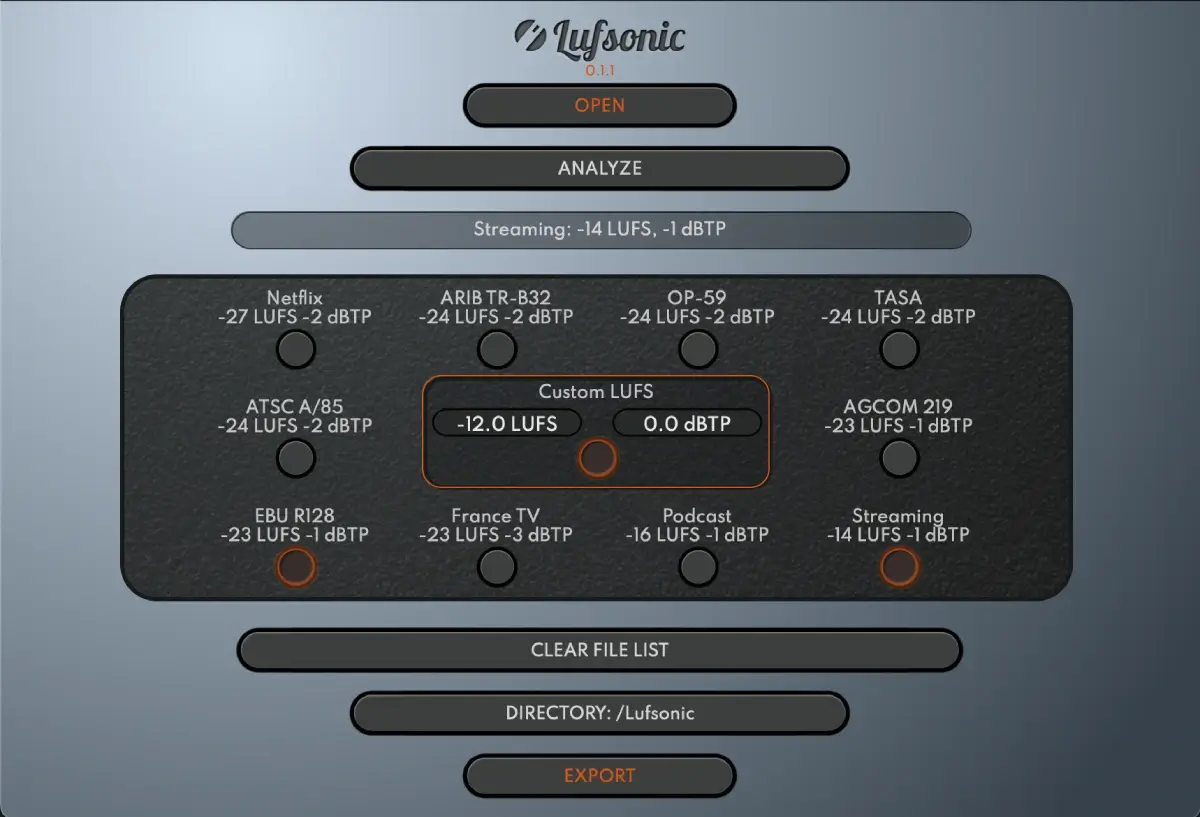
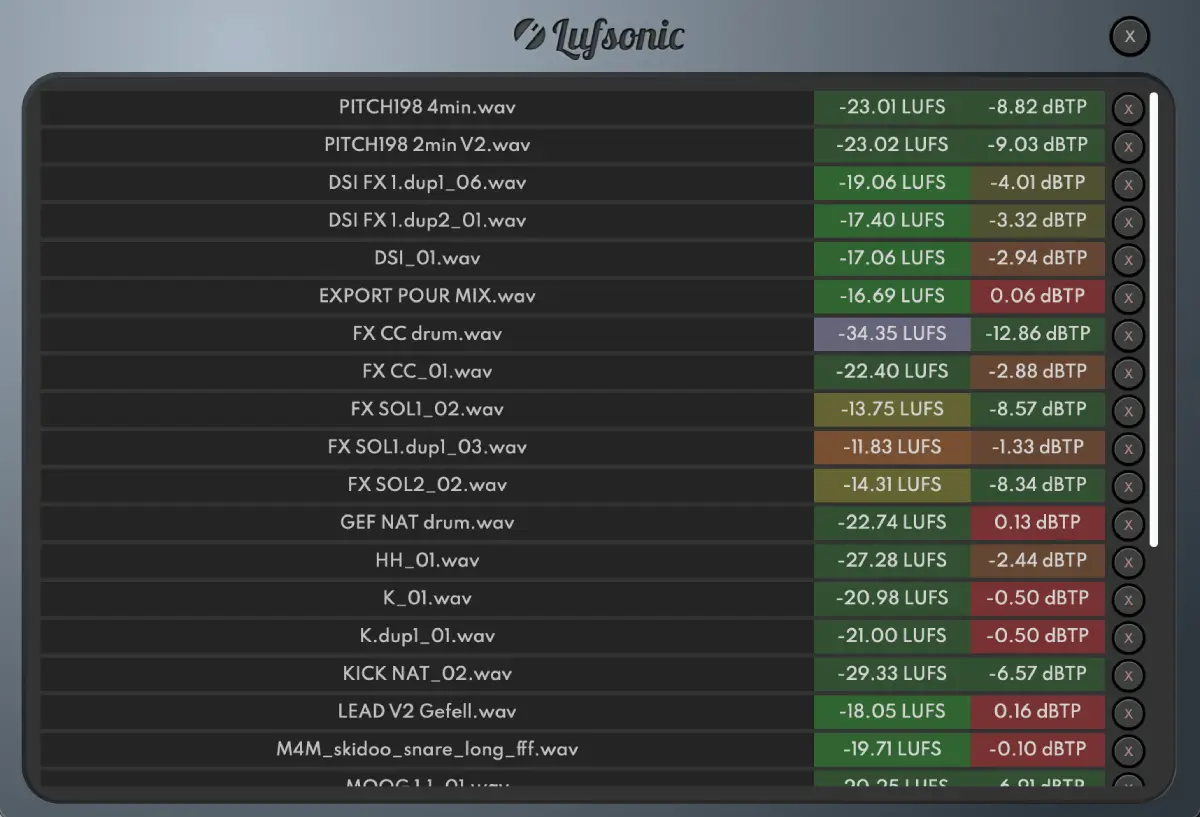
- Fast background analysis: no need to play files in real time; measurements appear for the whole batch.
- Every useful measurement: integrated, short-term and momentary loudness, LRA (loudness range) and true peak, per ITU-R BS.1770-4 and EBU R128.
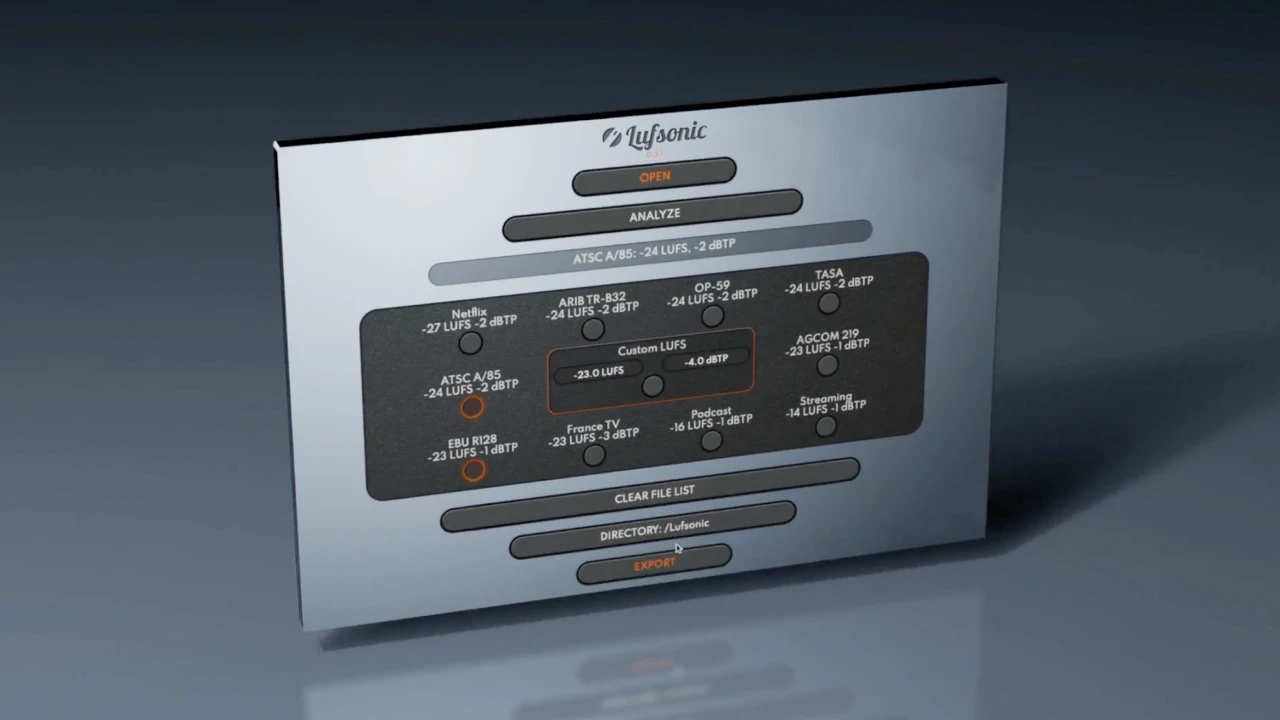
- Ready-made delivery formats: Netflix, ARIB TR-B32, OP-59, TASA, ATSC, AGCOM, EBU R128, France TV, podcast and streaming.
- Custom targets: any LUFS level you choose, with precise control of the dBTP ceiling.
- Batch processing and exportable reports to keep a record of every delivery.
Lufsonic
Analyze and normalize dozens of audio files in seconds.
$49 $98 -50%
Standalone app · Windows & macOS
See LufsonicThe most common targets
| Destination | Usual target |
|---|---|
| European TV broadcast (EBU R128) | -23 LUFS, true peak max -1 dBTP |
| North American TV broadcast (ATSC A/85) | -24 LKFS |
| Spotify, YouTube | Normalization around -14 LUFS |
| Apple Music | Normalization around -16 LUFS |
| Podcasts | Often around -16 LUFS |
Platforms sometimes adjust their rules: always check the delivery specs you're given. With Lufsonic, a custom target is all it takes to adapt.
Who is it for?
- Video editors and motion designers who need to deliver to TV standards without calling in a sound engineer.
- Podcast producers who want a consistent level from one episode to the next.
- Musicians and mastering engineers delivering an album for streaming.
- Post-production houses handling lots of files for lots of broadcasters.
- Corporate video teams publishing regularly across several channels.
Three real-world scenarios
A TV commercial
The broadcaster asks for EBU R128: -23 LUFS, -1 dBTP. Drag the mix into Lufsonic, choose the EBU R128 format, export. The file is compliant, and the report serves as proof.
A podcast series
Drag in every episode at once and choose the podcast format: the whole series sits at the same level, and listeners no longer have to touch the volume between episodes.
An album for streaming
Analyze all twelve tracks in one go to check loudness consistency and true peak, then export the versions you need.
Good to know
- Normalizing doesn't replace mastering: Lufsonic adjusts level and respects the true peak ceiling, but doesn't change how your mix sounds.
- To compare two masters at matched volume during production, use Diffonic instead.
In short
Drag, choose the format, export: with Lufsonic, delivering to LUFS standards becomes a formality, whether it's a commercial, a podcast or an album. To compare with other tools, see our pick of the best loudness meters of 2027.